Trimester 1 Final Blog
Trimester 1 Wrap-up Blog
Growth
In the beginning of the year, I was still figuring out how everything worked in this class. I didn’t fully understand GitHub, how to manage commits, how to set up my tools, or how to organize work in sprints. Over time, I’ve gotten a lot more comfortable using the tools and working with my team. I’ve also learned to slow down and think through problems instead of rushing to find an answer. I can now read code more easily, which has helped me fix bugs on my own and actually understand why things work the way they do.
Sprints
-
Tools Sprint: I learned how to use GitHub properly, from pushing and pulling code to writing issues. I also learned how to install VSCode and get my device set up. Learning how to use a virtual enviroment to test my code and change themes before commiting was a highlight of this sprint. It took a bit to get the hang of, but once I did, it made teamwork a lot easier. I started to understand how developers keep track of changes and work together on the same project without breaking things.
-
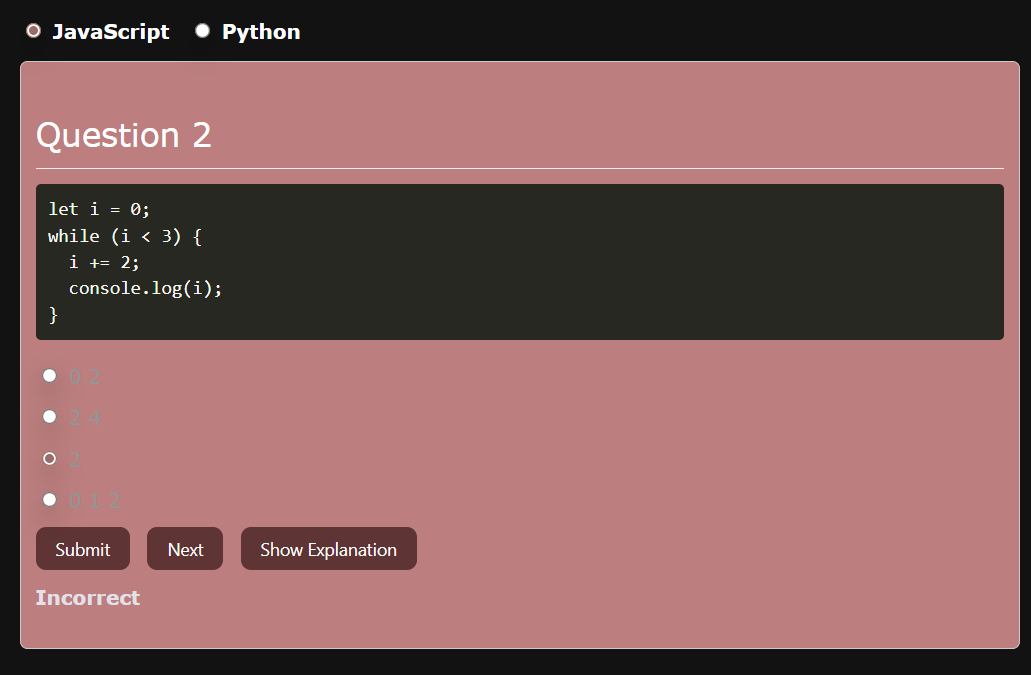
Fundamentals of JavaScript/Python: This sprint helped me really understand how programming languages are structured. I got a lot better at writing loops, conditionals, and functions, and I started noticing how similar logic looks in different languages like Javascript and Python. It was also the first time I felt confident enough to solve problems on my own without copying code from examples. I also got the experience of teaching my fellow classmates which lead me to make interactive elements in my lesson.
-
Digital Famine: This sprint was one of my favorites because it was more creative. I learned how to connect APIs and display data in a way that people could actually interact with. The debugging in this was also very helpful in me understanding how to better organize my code. Leaving comments on my work made it very easy to navigate diferent sections. It also made me realize how important communication is when working in a group. We had to plan the division of tasts and check in often to make sure everything fit together. Though it wasn’t always smooth sailing in my group, we managed to accomplish our goals issued in our Kanban board.
N@tM
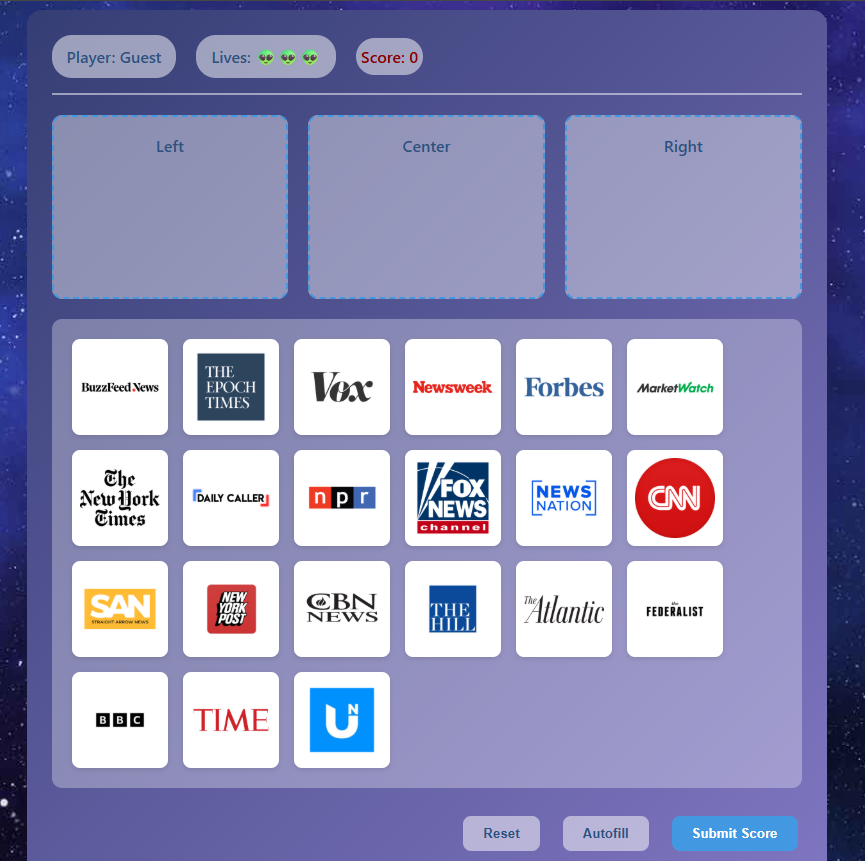
Night at the Museum was a fun experience. It felt good to finally show our project on Media Literacy after all the work we put in. I liked seeing people’s reactions as they played our games and explaining what we built. One comment that stuck with me was when someone said our project looked “clean and visually pleasing.” That made me realize how much progress I’ve made since the start of the year with layout. Doing the animated background lesson really helped a lot with that.
Future Plans
I want to learn how to animate and make my projects more interactive instead of lengthy, wordy blogs. I think adding small animations or transitions could make my websites by more interesting to use and learn from. I also want to spend more time learning about APIs and how to connect different tools together. We breifly touched on it with the Flask lesson, but I want to understand exactly how they work.
Analytics
- Commits (On personal repo): 115
- Commits (Scratchers): 40
- Commits (teamstudent): 60
- Pull Requests: 2
- Issues: 30
- Lines Changed: +18635 / -8161 There is a number of uncounted commits that I made in branches as well under the ScratchersMediaLiteracy repository.
Collegeboard MCQ
Overall Feelings
I took the 2018 AP CSP practice multiple choice exam without any prior research or review, just going in cold to see where I actually stood with the material. Going into it, I had no idea what to expect, but I wanted an honest assessment of my strengths and weaknesses. The Verdict: 48/66 (73%) After about an hour and a half of testing, I ended up scoring 48 out of 66 points, which translates to roughly 73%. Not terrible, but definitely room for improvement. What really stood out to me wasn’t just the score itself, but the clear patterns in what I found easy versus what gave me trouble.
What Came Naturally: Digital Security
Surprisingly, the questions I breezed through were almost all related to digital security and cybersecurity concepts. Topics like phishing attempts (Q2), public key cryptography (Q47), copyright violations (Q35), and encryption methods felt intuitive to me. I think it’s because these questions rely heavily on logical reasoning and real-world application rather than memorizing specific syntax or algorithms. When you understand the why behind security protocols—like why public key encryption works or how to identify a phishing attempt, the answers just make sense. I spent less than a minute on several of these questions and still got them right.
Struggle: Missing Code Questions
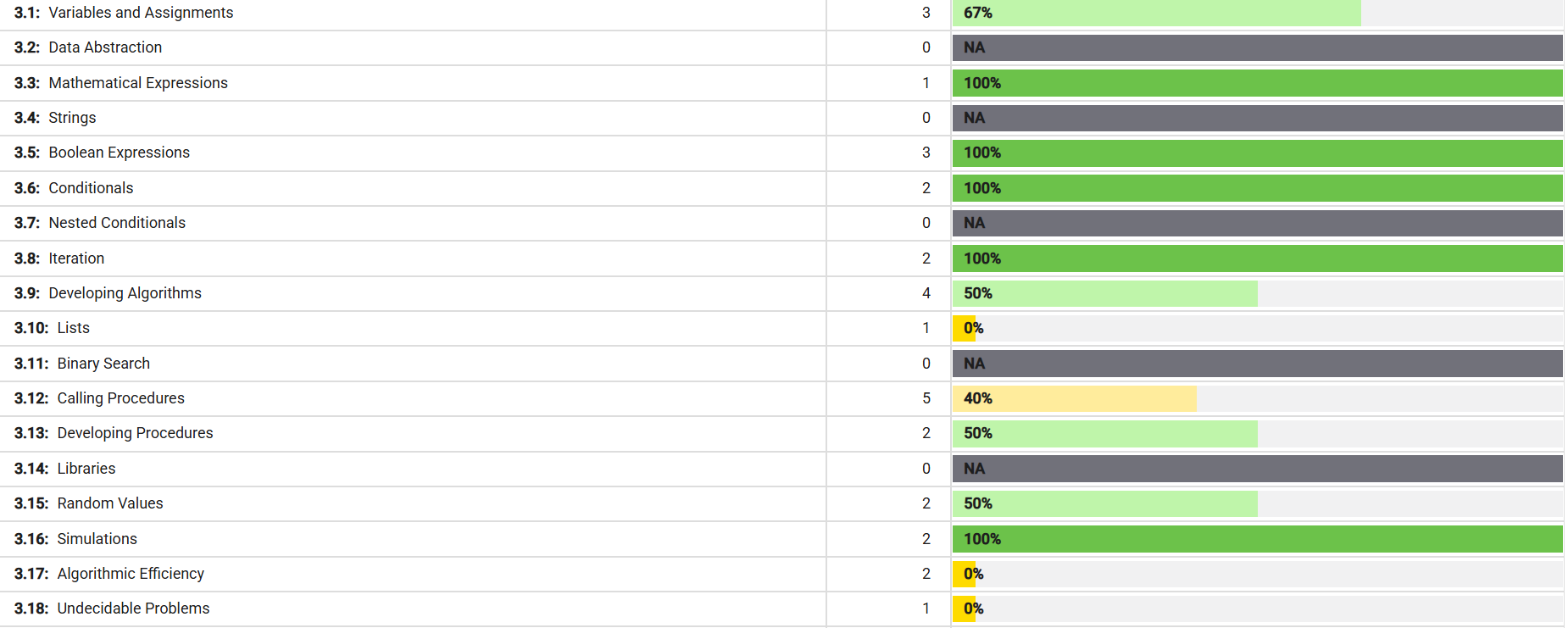
The questions that absolutely destroyed me were the ones involving missing code segments or completing procedures. Questions like Q1 (swapping values), Q11 (simulating a spinner), Q20 (finding maximum values), Q21 (comparing robot algorithms), and Q22 (determining weather with a procedure) all tripped me up. Looking back, I think the issue is that these questions require you to trace through code execution step-by-step and really visualize what’s happening at each iteration.
Other Patterns I Noticed
I also struggled with some of the algorithm efficiency questions (Q30, Q37, Q43) and a few logic gate problems. The data analysis questions were hit or miss, I did well when the question was straightforward but stumbled when it required multiple steps of reasoning or comparing complex datasets. I still have questions about what lossing is and a couple of other unfamilar terms that I will research later.
Big Idea 3
I did better than expected in the Big Idea 3 section because of all the homework we did in class